Planned block Placed Center guide
Open row-by-row building plan 21 rows
- Row 1
7 blocks (8–14) - Row 2
2 blocks (6–7) · gap · 2 blocks (15–16) - Row 3
1 blocks (5–5) · gap · 1 blocks (17–17) - Row 4
1 blocks (4–4) · gap · 1 blocks (18–18) - Row 5
1 blocks (3–3) · gap · 1 blocks (19–19) - Row 6
1 blocks (2–2) · gap · 1 blocks (20–20) - Row 7
1 blocks (2–2) · gap · 1 blocks (20–20) - Row 8
1 blocks (1–1) · gap · 1 blocks (21–21) - Row 9
1 blocks (1–1) · gap · 1 blocks (21–21) - Row 10
1 blocks (1–1) · gap · 1 blocks (21–21) - Row 11
1 blocks (1–1) · gap · 1 blocks (21–21) - Row 12
1 blocks (1–1) · gap · 1 blocks (21–21) - Row 13
1 blocks (1–1) · gap · 1 blocks (21–21) - Row 14
1 blocks (1–1) · gap · 1 blocks (21–21) - Row 15
1 blocks (2–2) · gap · 1 blocks (20–20) - Row 16
1 blocks (2–2) · gap · 1 blocks (20–20) - Row 17
1 blocks (3–3) · gap · 1 blocks (19–19) - Row 18
1 blocks (4–4) · gap · 1 blocks (18–18) - Row 19
1 blocks (5–5) · gap · 1 blocks (17–17) - Row 20
2 blocks (6–7) · gap · 2 blocks (15–16) - Row 21
7 blocks (8–14)
Minecraft Circle Generator
This free Minecraft circle generator tool converts a diameter into a symmetrical block-by-block plan. Set a circle or oval size, choose outline or filled geometry, then use the interactive grid, row runs, stack count, progress tracker, share URL, and downloadable files to build the shape accurately.
Independent fan-made utility. Not an official Minecraft product and not associated with Mojang or Microsoft.
What is a Minecraft circle generator?
For a Minecraft block circle generator workflow, start with a measured diameter, choose a center, inspect each row, estimate materials, and share the exact settings instead of guessing from a smooth image.
Build a clean block circle without guessing
Minecraft builds happen on a square grid, so a mathematically perfect curve cannot be placed as blocks. A useful generator does not simply draw a green ring. It makes the approximation measurable: every selected block is mirrored, every row can be counted, and every setting can be reproduced by another builder.
What a Minecraft circle generator calculates
A Minecraft circle generator uses a symmetric midpoint raster algorithm to trace an ellipse boundary inside the requested width and height. A circle uses equal dimensions; an oval uses different dimensions. Filled mode scans between the two boundary blocks on each row. Outline thickness adds further midpoint boundaries inward without changing the outside dimensions.
The result is deterministic. The same versioned URL always rebuilds the same shape, dimensions, fill state, thickness, material, guide visibility, and orientation. That makes a Minecraft circle generator link more reliable than a cropped screenshot with missing settings.
Odd and even centers
An odd diameter such as 21 has a single center row, center column, and center block. This is convenient when a tower must align with a beacon, stair core, roof cap, or compass point. An even diameter such as 20 has its center between blocks, producing two central rows and two central columns. Neither is inherently more accurate. Choose the center arrangement that fits the structure around it.
Outline, thickness, and filled plans
Outline mode is usually right for walls, rings, portals, and foundations. Thickness grows inward so the outside dimensions remain stable. Filled mode is useful for floors, platforms, pixel-like emblems, and checking whether an outline is complete. The reported total covers selected plan blocks only; carry extra material for scaffolding, decoration, and mistakes.
Java and Bedrock compatibility
The visible grid, row plan, PNG, CSV, TXT, and Markdown describe ordinary block positions, so they can be followed in Java Edition or Bedrock Edition. Litematic is a separate Java mod ecosystem format. Always open a generated schematic in a test world with a current compatible mod before relying on it for an important build.
Progress stays on this device
Click any planned cell to mark it placed. The checklist is saved in local storage under a configuration-specific key. A 21-block circle cannot overwrite progress for a 31-block circle, and clearing the current plan does not clear other saved plans. No account is required and progress is not sent to our server.
Common Minecraft circle sizes
These sizes are starting points, not mandatory templates. Open the complete interactive circle chart to compare more diameters and exact block totals.
| Diameter | Center type | Good starting uses | Open plan |
|---|---|---|---|
| 7 × 7 | Single block | Windows, wells, compact details | Generate |
| 9 × 9 | Single block | Windows, wells, compact details | Generate |
| 11 × 11 | Single block | Windows, wells, compact details | Generate |
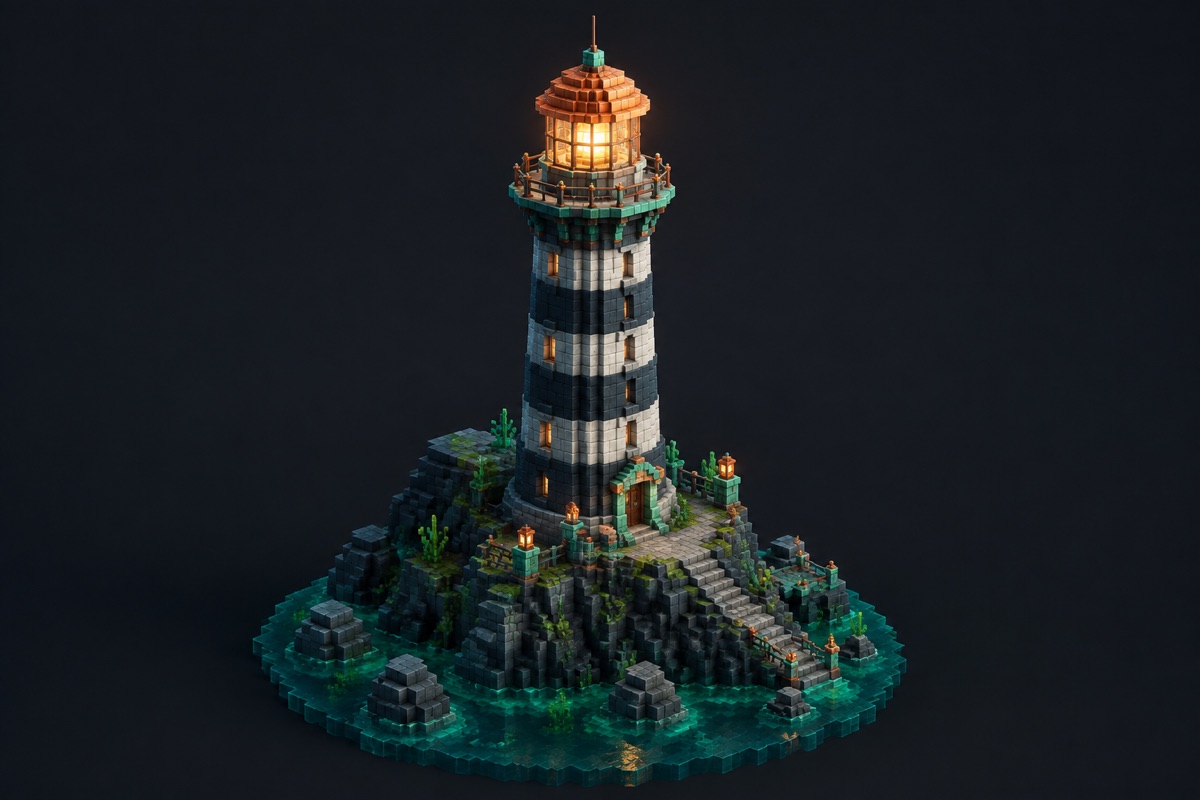
| 15 × 15 | Single block | Towers, rooms, lighthouse bases | Generate |
| 21 × 21 | Single block | Towers, rooms, lighthouse bases | Generate |
| 25 × 25 | Single block | Towers, rooms, lighthouse bases | Generate |
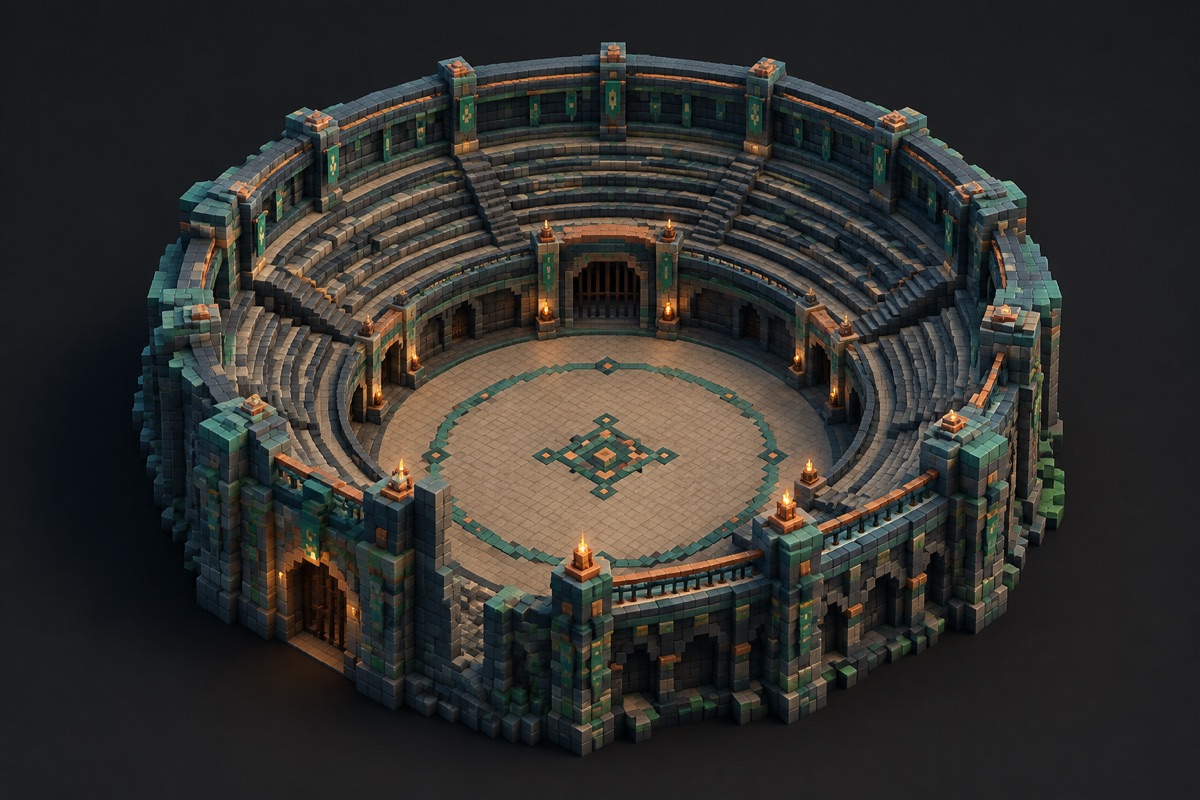
| 31 × 31 | Single block | Arenas, domes, large foundations | Generate |
| 41 × 41 | Single block | Arenas, domes, large foundations | Generate |
| 51 × 51 | Single block | Arenas, domes, large foundations | Generate |
How to build the generated circle
- 01
Choose the shape
Use Circle for equal width and height or Oval for separate dimensions.
- 02
Set dimensions
Enter the outside block width and height. Keep Odd center enabled when you need one exact center block.
- 03
Select construction settings
Choose outline or filled output, thickness, orientation, guides, and a planning material.
- 04
Mark the axes
Place temporary markers at both center lines and the four outer extremes.
- 05
Follow the row plan
Build straight runs from one quadrant and mirror them across each center axis.
- 06
Track and verify
Click planned blocks as you place them, then compare opposing sides before raising a wall.
- 07
Export or share
Download PNG, text, CSV, Markdown, or Litematic output, or copy the versioned share URL.
For large circles, stop after the first quadrant and measure back to both axes. When it matches the plan, mirror completed runs instead of counting all four sides independently. For a tower, complete and inspect the entire first layer before repeating it vertically. For a floor, work from the center outward so an obstruction is discovered early.
Accuracy, perspective, and common mistakes
The curve looks flat
Every block circle contains straight runs. A larger diameter creates more gradual changes, but no block edge becomes truly curved. Judge the plan from the distance where the finished structure will be seen, not while standing against the wall.
Opposite sides do not meet
Return to the center axes. Compare matching row runs on both sides and find the first disagreement. Moving one early block is safer than “blending” the final gap, which usually hides one error by creating another.
The plan changed after editing size
Dimension changes intentionally create a different progress identity. Copy the original URL before experimenting if you want to return to it. Odd center can also adjust an even input to a nearby odd dimension.
The material count is short
The total excludes supports, lighting, trim, replacement blocks, and blocks outside the mathematical plan. For survival builds, gather the displayed full stacks and remainder plus a practical buffer based on the terrain and access method.
Minecraft circle generator FAQ
How do I make a circle in Minecraft?
Choose the outside width, generate the plan, mark its center axes, and place blocks by following each row run. Build one quadrant first, then mirror it to preserve symmetry.
Should a Minecraft circle have an odd or even diameter?
Use an odd diameter for one center block and an even diameter for a center between four blocks. The correct choice depends on how the circle connects to the rest of your build.
Does the generator work for Java and Bedrock Edition?
Yes. The block grid and row plan are edition-independent because they describe block positions. Litematic files are intended for compatible Java Edition mod workflows; images and text plans work everywhere.
Can I generate an oval instead of a circle?
Yes. Select Oval and set separate width and height values. Oval state remains on the main generator so there is one authoritative page instead of two competing pages.
What does outline thickness change?
Thickness adds layers inward from the outer boundary. A thicker outline uses more blocks without changing the outside width or height.
Are my image or build details uploaded?
No build progress is uploaded. Progress is stored in your browser under a key derived from the exact plan. Pixel-art images are also processed locally in the browser.
Why does a block circle look uneven from close up?
Square blocks approximate a curve using short straight runs. The plan is symmetric, but the stepped edge is more obvious nearby and appears smoother from a normal viewing distance.
What builders make with a measured circle