Loading the private browser workspace…
Minecraft Pixel Art Generator
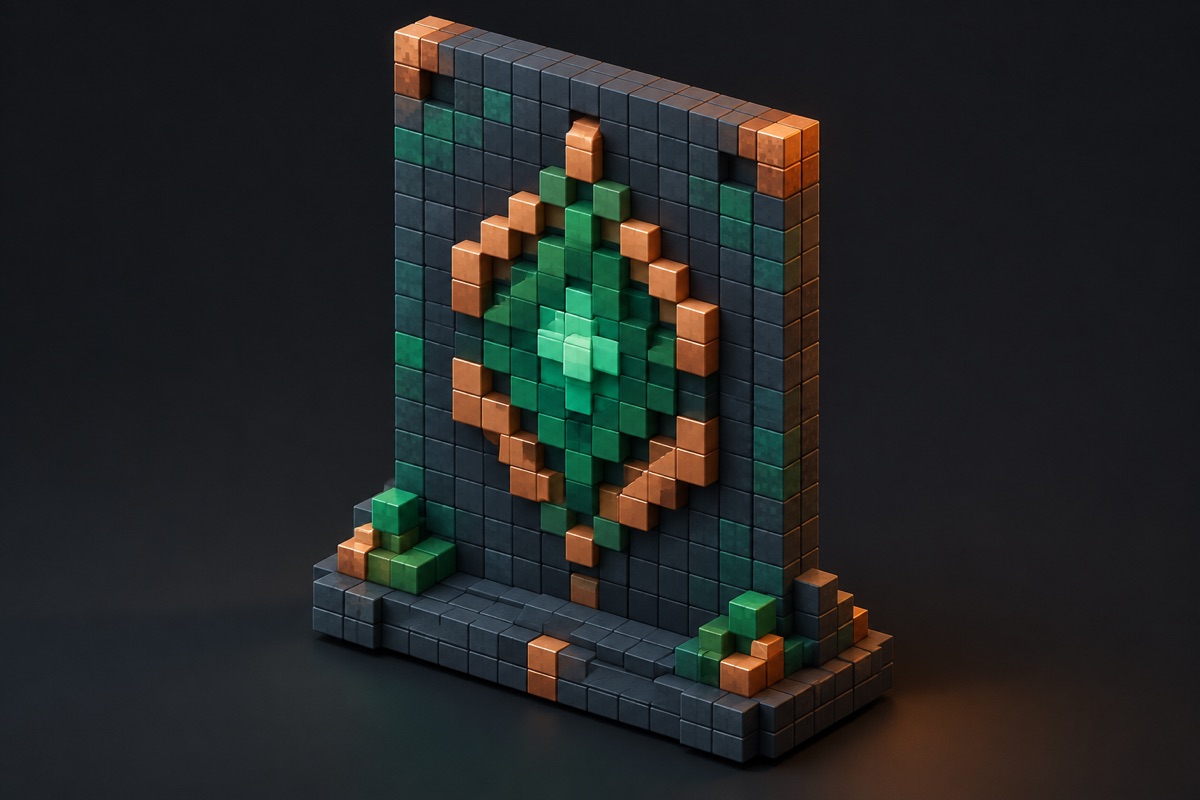
Choose an image and quantize it into a compact, original block-color palette. Processing happens only inside your browser; the source is never uploaded.
Only use artwork you have permission to reproduce.
Use pixel art as a measured plan
Start with a small output width when the build needs to be quick. Increase it when facial features, lettering, or other small shapes matter. Review the material list before building, and remember that the quantized layout is a fan-made construction aid rather than a substitute for permission to reproduce the source artwork.
Frequently asked questions
- Is my source image uploaded?
- No. The image is read, resized, and quantized inside your browser; it is not sent to the MinecraftCircle server.
- What does the output width control?
- Output width sets the number of horizontal blocks. Height follows the source aspect ratio, so a wider plan contains more detail and more blocks.