Minecraft Sphere Generator
Create a deterministic hollow or filled sphere, inspect each horizontal slice, compare layer counts, and export the complete structure as a Litematic plan.
Independent fan-made utility. Not associated with Mojang or Microsoft.
How sphere layers work
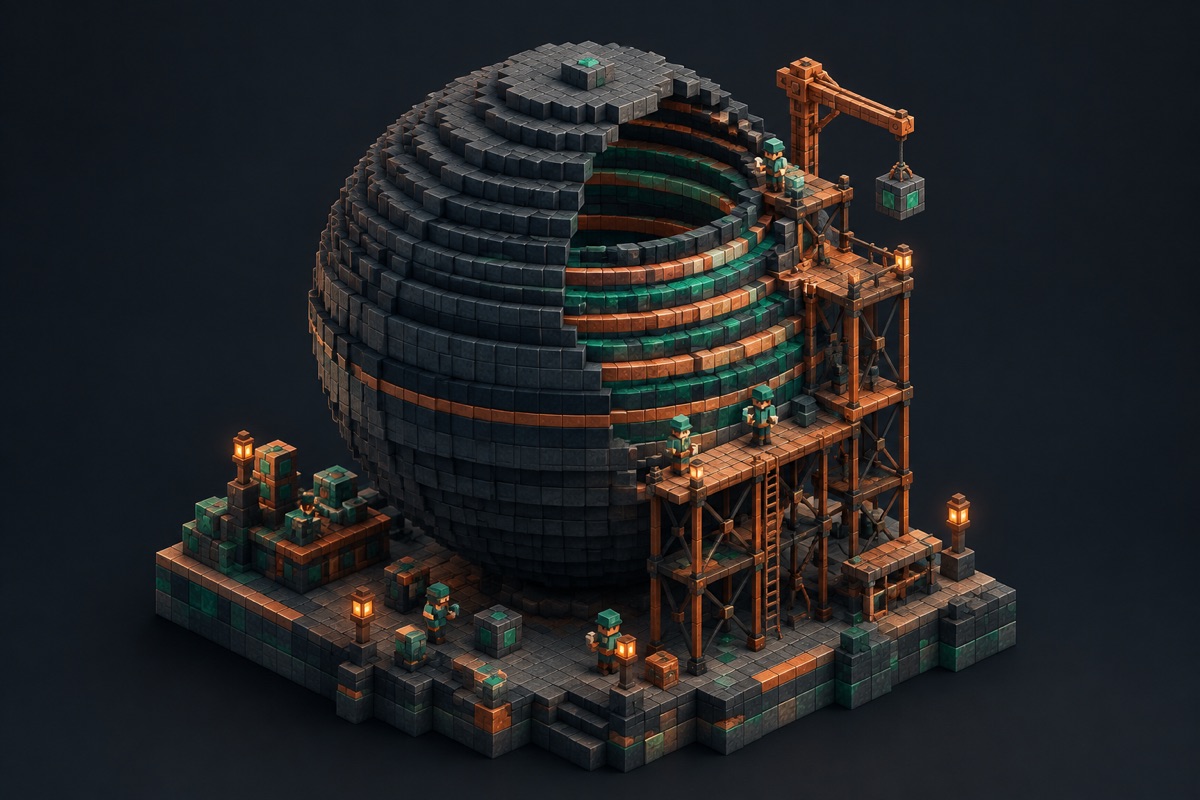
A block sphere is a stack of square-grid slices. The widest layers sit near the center; layers contract toward the top and bottom. Hollow mode keeps the outside shell while filled mode includes every voxel within the radius. Build from the bottom upward and verify the center axes on every layer.
Sphere build checklist
- 1Match the diameter to the supporting footprint.
- 2Choose hollow or filled output and review the count.
- 3Inspect the widest layer before moving upward.
- 4Export a Litematic only after checking a test world.
Frequently asked questions
- How does a sphere become block layers?
- The generator evaluates each horizontal slice against the same radius rule, then exposes every non-empty slice as a square-grid layer.
- Should I use hollow or filled mode?
- Use hollow mode for shells and rooms. Use filled mode for solid decorative forms or when the interior must be completely occupied.