Minecraft Dome Generator
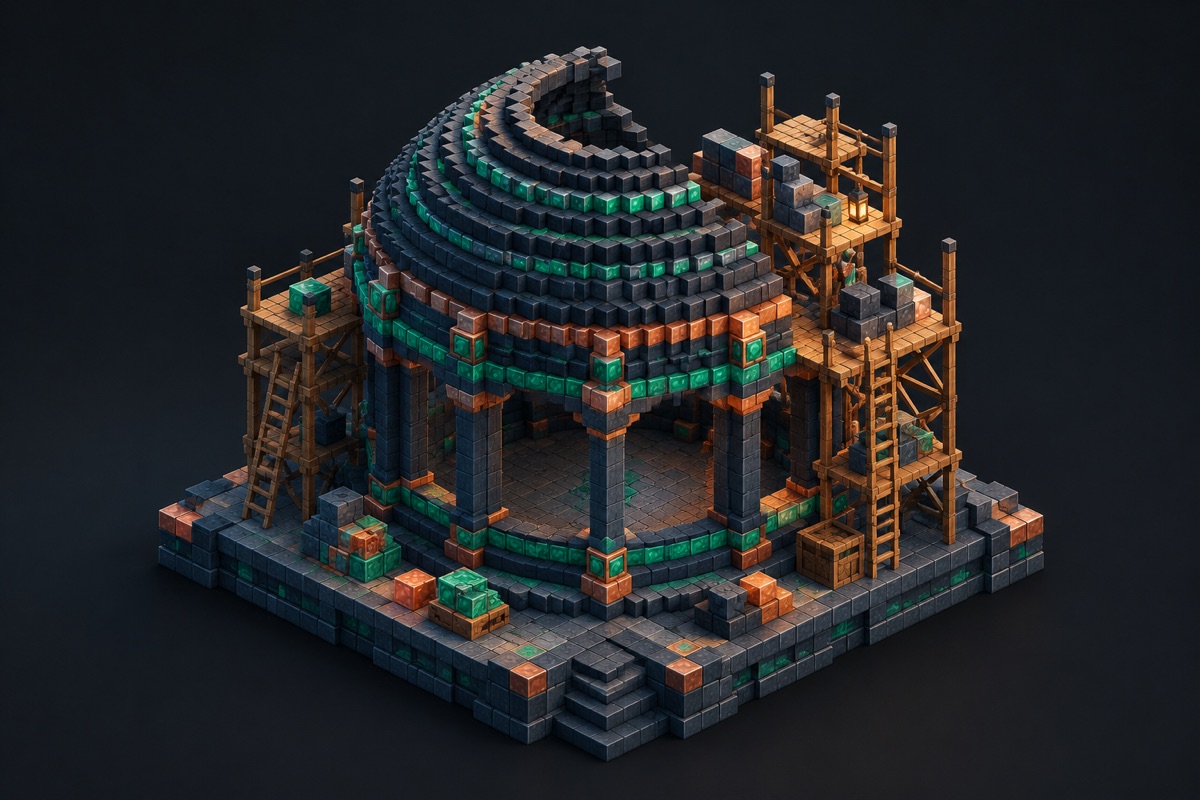
Generate the upper half of a deterministic block sphere, then move through the dome one layer at a time to keep a roof centered and estimate its materials.
Independent fan-made utility. Not associated with Mojang or Microsoft.
Start at the widest ring
Match the selected diameter to the outside width of the supporting wall. Build the first ring completely, leave temporary axis markers, and verify each smaller ring before moving upward.
Dome build checklist
- 1Align the outside diameter with the wall.
- 2Complete the widest ring and confirm its center.
- 3Review every smaller layer before raising the roof.
- 4Keep a material buffer for trim and supports.
Frequently asked questions
- Where should a dome build start?
- Start with the widest ring that matches the outside of the supporting wall, then verify each smaller ring as you move upward.
- Is the dome the upper half of a sphere?
- Yes. It uses the same deterministic sphere boundary and rebases the upper half so the widest ring becomes the build floor.