Minecraft pixel art combines digital design with block-based creativity. Instead of painting with individual pixels on a screen, builders recreate images using Minecraft blocks as a physical grid. The challenge is that every block choice matters: a single misplaced color, incorrect proportion, or uneven edge can change the entire appearance of a design.
A Minecraft pixel art generator helps solve this planning problem by converting an image or concept into a structured block layout. Rather than guessing where every block should go, builders can use a generated plan as a reference before starting a large project.
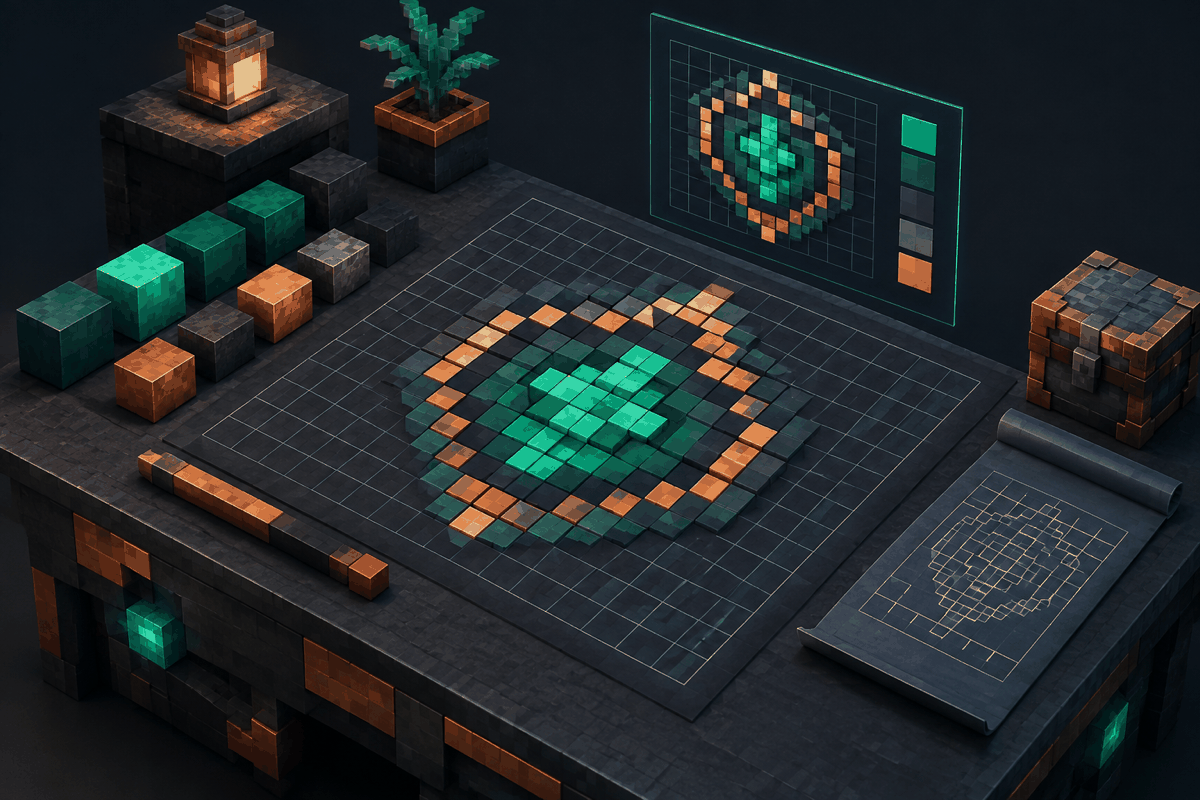
This guide explains how pixel art generators work, how to use them effectively, how to prepare images, and how to turn generated plans into successful Minecraft builds. It also covers practical examples, design tips, and frequently asked questions for beginners and experienced builders.
What Is a Minecraft Pixel Art Generator?
A Minecraft pixel art generator is a tool that transforms an image or design idea into a Minecraft-friendly layout. The result is usually a grid where each square represents a block position and each color represents a possible block choice.
Traditional pixel art uses tiny colored squares to create an image. Minecraft pixel art follows the same principle but adds building limitations. Players must consider available blocks, texture differences, viewing distance, and the final size of the structure.
A generator helps by organizing these decisions into a clear plan. Instead of manually counting hundreds or thousands of positions, builders can start with a visual guide.
For example, a player creating a large wall decoration might want to recreate a simple mountain scene. A generator can help determine:
- The total width and height of the design
- The location of each color section
- The amount of space needed for the build
- How different shades should be arranged
For more geometric projects, builders may also find tools such as the Minecraft circle generator, circle chart, or sphere generator useful when combining pixel art with structured builds.
How Minecraft Pixel Art Generation Works
Most pixel art generators follow a simple process: image analysis, color conversion, grid creation, and output display.
Image Analysis and Grid Conversion
The first step is analyzing the source image. A generator examines the image dimensions and divides it into a pixel grid. Each section of the grid becomes a possible Minecraft block placement.
A small image may create a simple design with fewer details. A larger image can preserve more information but requires significantly more blocks and building time.
The chosen resolution has a major impact on the final result:
- Low resolution creates recognizable but simplified designs.
- Medium resolution balances detail and construction effort.
- High resolution produces detailed artwork but requires more materials and patience.
A common mistake is choosing the highest possible resolution immediately. More detail is not always better. Minecraft builds are viewed from a distance, and excessive detail can become difficult to read.
Color Mapping
After creating the grid, the generator maps image colors to Minecraft-style blocks. This process requires approximation because Minecraft does not contain every possible color.
A bright red pixel in an original image might become a red block, while a darker red area may need a different material. Good results depend on selecting colors that create enough contrast.
When planning a design, consider:
- Main colors that define the subject
- Shadow colors that create depth
- Highlight colors that improve visibility
- Background colors that separate the artwork from its surroundings
Layout Generation
The final stage creates the building plan. Depending on the tool, this may appear as a grid, preview image, or block placement guide.
A useful plan should make it easy to answer practical questions:
- Where does the first row begin?
- Which blocks create the outline?
- How many blocks are needed for each section?
- How should the builder handle curves and diagonal edges?
How to Use a Minecraft Pixel Art Generator Effectively
A generator is most useful when it becomes part of a larger building workflow. It should guide your decisions rather than replace creativity.
Step 1: Choose the Right Source Image
Start with an image that has clear shapes and strong contrast. Complicated photographs often contain too many small details, making them difficult to reproduce.
Good source images usually have:
- Simple silhouettes
- Clear color groups
- Limited background clutter
- Strong differences between important areas
For example, a simple character outline may work better than a detailed landscape photo because the main shapes remain recognizable after conversion.
Step 2: Select a Practical Size
Before generating the design, decide where it will be built and how much time you want to spend.
A small decorative piece may only need a few dozen blocks across. A large server centerpiece could require hundreds of blocks in width and height.
Consider the available space on your build area. A beautiful design that does not fit your wall, floor, or terrain will create unnecessary problems.
Step 3: Review the Generated Layout
Do not begin placing blocks immediately. Review the plan first.
Look for:
- Areas where colors blend together
- Shapes that may need manual adjustment
- Missing contrast between sections
- Details that are too small to notice
Experienced builders often modify generated plans by hand. A generator provides a foundation, but creative adjustments can make the final result feel more natural.
Step 4: Build in Sections
Large pixel art projects become easier when divided into smaller sections.
A useful approach is:
- Mark the overall outline.
- Complete the largest color areas.
- Add secondary colors.
- Finish with highlights and small details.
This method reduces mistakes and makes it easier to track progress.
Practical Minecraft Pixel Art Examples
Wall Decoration
Pixel art walls are one of the most common uses for generated plans. Players often create symbols, landscapes, patterns, or themed artwork for bases and community areas.
A generator helps maintain symmetry and prevents accidental shifts in the design.
Floor Patterns
Pixel art does not have to be vertical. Floor designs can use generated layouts as decorative maps, pathways, or room features.
For example, a fantasy-themed base might use a generated emblem in the center of a large hall.
Adventure Map Designs
Map creators can use pixel art plans for signs, landmarks, puzzles, or visual storytelling elements. Because generated layouts are predictable, they can help maintain consistency across large projects.
Combining Pixel Art With Shapes
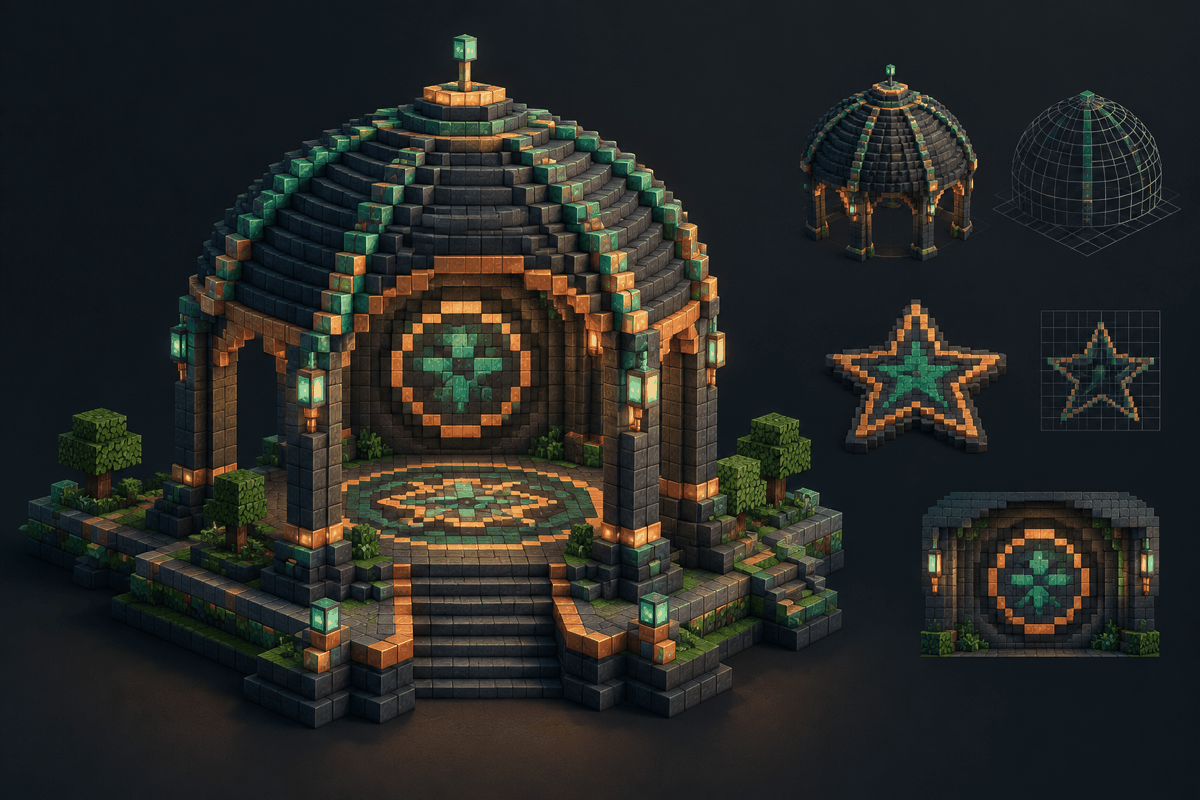
Many advanced builds combine pixel art with geometric structures. A circular logo might be placed inside a dome, or a pixel design might become part of a larger architectural feature.
MinecraftCircle also provides planning tools such as the dome generator and star generator for builders who want to combine artistic layouts with structured forms.
Common Mistakes When Creating Minecraft Pixel Art
Choosing Too Many Colors
More colors do not automatically create better artwork. Too many similar shades can make the design confusing.
A limited palette often produces stronger results because each color has a clearer purpose.
Ignoring Viewing Distance
A design that looks impressive up close may become unclear from normal gameplay distance. Always check how the artwork appears from the location where players will see it.
Building Without a Plan
Large pixel art projects can become frustrating without a reference. Even experienced builders benefit from a grid because it reduces counting errors.
Using the Wrong Scale
A tiny design may lose important details. An oversized design may require unnecessary resources. Finding the right balance is one of the most important skills in pixel art construction.
Tips for Better Results
Use Contrast Intentionally
Strong contrast helps important shapes stand out. If two areas use nearly identical colors, the viewer may not recognize the intended design.
Keep an Organized Material List
Before building, prepare the blocks you need. A generated plan can help estimate material requirements and reduce interruptions during construction.
Test Small Versions First
For large projects, create a smaller version before committing to the full build. This allows you to check whether the colors and proportions work well.
Combine Tools for Complex Projects
Pixel art is only one part of Minecraft creativity. Builders often need multiple planning methods depending on the project. You can explore additional MinecraftCircle resources through the Minecraft house designs guide and other available generators.
Frequently Asked Questions
What is the best size for Minecraft pixel art?
The best size depends on the purpose of the build. Small decorations may work well with compact layouts, while major server artwork may need hundreds of blocks. A practical size is one that preserves the important shapes without creating unnecessary building time.
Can a Minecraft pixel art generator create any image?
A generator can convert many images into pixel layouts, but the quality depends on the source image, available colors, and chosen resolution. Simple images with clear shapes usually produce better results than highly detailed photographs.
Do I need advanced building skills to use a pixel art generator?
No. A generator is designed to help beginners and experienced builders. Beginners can follow the grid step by step, while experienced players can use it as a starting point for custom designs.
How can I make generated pixel art look more professional?
Improve the result by adjusting colors, checking proportions, adding depth, and making manual edits after generation. The generated plan should be treated as a guide rather than a final answer.
Can pixel art generators help with survival builds?
Yes. They can help survival players plan decorations before collecting materials. By knowing the required blocks ahead of time, players can gather resources more efficiently.
Start Planning Your Next Minecraft Pixel Art Build
A Minecraft pixel art generator turns a complex design challenge into a structured building process. By converting images into clear layouts, these tools help builders focus on creativity instead of manual counting.
Whether you are creating a small decoration, a massive server display, or a detailed themed area, a good plan can save time and improve accuracy. Explore the Minecraft pixel art generator tool to begin creating organized block designs and bring your next idea into the game world.